Generator Maintenance Software for Standby and Prime Power
Generators fail at the worst possible moment, when the power's already out. Schedule servicing by run hours and by calendar time, put monthly test runs on a recurring schedule, and keep a dated history for every genset you own or hire out.
No credit card required. No GPS or telematics hardware.
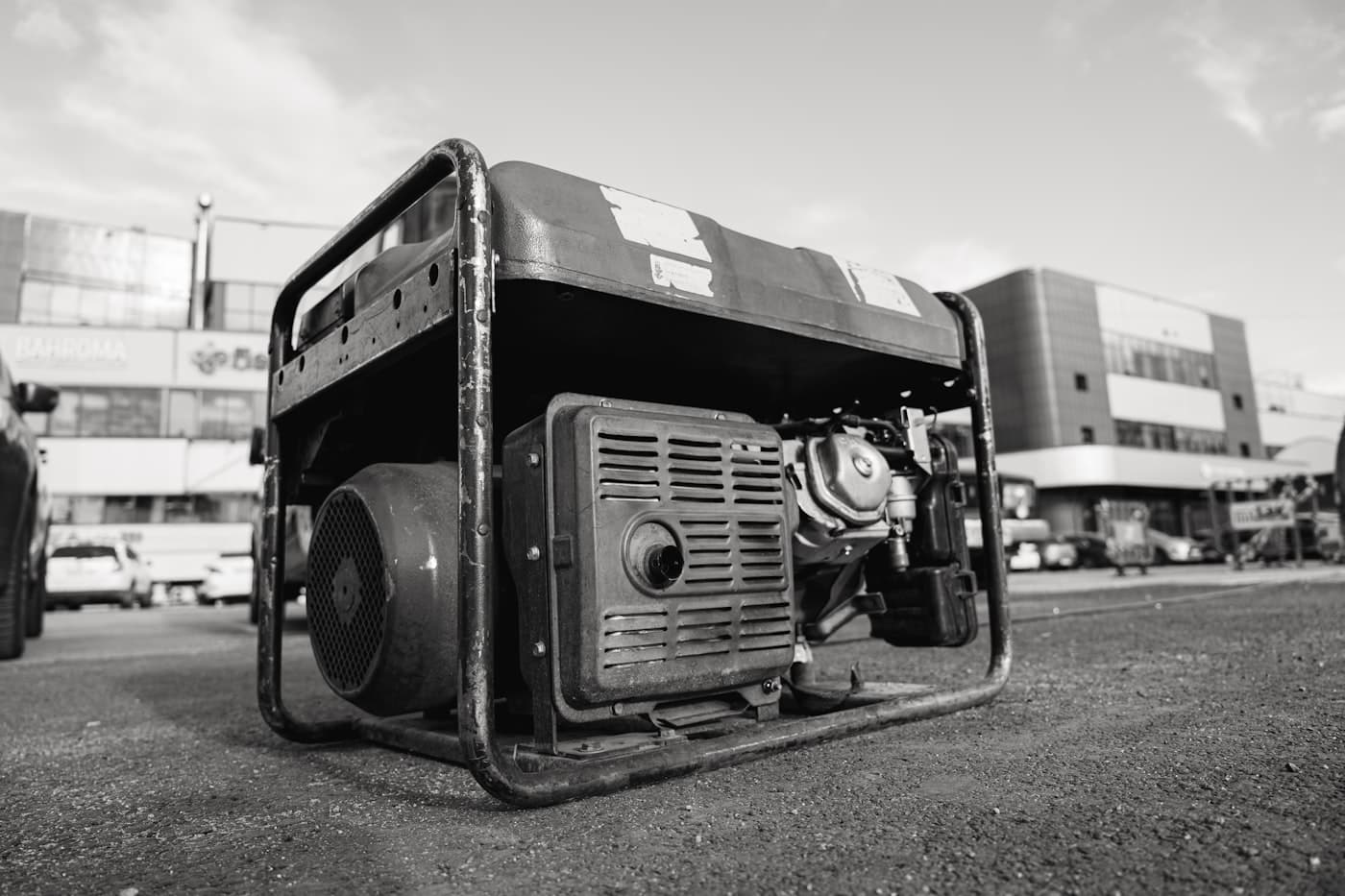
The Standby Trap: Low Hours Doesn't Mean Low Maintenance
The counterintuitive thing about generators is that the ones that run least need calendar-based servicing most. A standby genset that ran 40 hours last year still has fuel degrading in the tank, a battery self-discharging, coolant ageing, and seals drying out. Hour-based intervals alone would say 'service it in a decade', and that's how standby units end up failing to start during an actual outage.
That's why generator maintenance needs two clocks running at once: run-hour schedules for engine wear (oil, filters) and calendar schedules for everything that degrades whether or not the engine turns, battery checks, fuel condition, coolant, and the monthly test run under load. MaintainLog runs both types of schedule on the same asset, and whichever comes due first raises the work order.
One Log for Owned, Hired-Out, and Site Gensets
Hire fleets and construction companies have the extra problem of location: gensets scatter across sites and depots, and the machine that missed its service is always the one three sites away. Because MaintainLog schedules on hours and dates rather than GPS, a genset is tracked the same wherever it sits, update the hour meter when the machine is refuelled, returned, or checked, and its schedules stay accurate.
Every completed service is logged against the specific unit with date, hours, and notes. When a customer asks whether the 100 kVA set they're hiring is serviced, or a buyer asks for history on a unit you're selling, the record is one export away.
Typical Generator Service Intervals
A representative pattern for diesel gensets. Note the mix of run-hour and calendar intervals. Your OEM manual (and load profile) sets the real numbers:
| Service task | Typical interval | Notes |
|---|---|---|
| Test run under load | Monthly | Standby units; 30+ minutes, log any faults |
| Battery & charger check | Monthly | The #1 cause of failure-to-start |
| Engine oil & filter | Every 250 hours or 12 months | Whichever comes first, run both schedules |
| Fuel filter & water separator | Every 250–500 hours | Sooner with old or site-stored fuel |
| Air filter | Every 500 hours | Check more often in dusty environments |
| Coolant system check | Every 500 hours or annually | Hoses, belts, concentration |
| Coolant replacement & load bank test | Every 2 years / annually | Load bank test verifies real capacity on standby units |
Intervals are typical industry figures. Always follow the service schedule in your OEM manual. In MaintainLog you set the exact interval per machine.
How It Works
Get started in 3 simple steps
Add Your Assets
Register your vehicles, machinery, and equipment. Include serial numbers, models, and current readings.
Set Maintenance Schedules
Create schedules by time (days, weeks, months) or usage (hours, miles, kilometers).
Get Reminders & Complete Work
Receive email alerts when maintenance is due. Mark work orders complete and keep a full history.
No GPS Hardware Required
No expensive hardware to buy or install. Works with any device.
No Telematics
No monthly hardware fees. Just simple, manual tracking.
2-Minute Setup
Add your first asset and schedule in under 2 minutes.
Works on Any Device
Use it on desktop, tablet, or phone. No app download required.
Frequently Asked Questions
Can one generator have both hour-based and date-based schedules?
Yes, and for gensets it should. Set the oil service at 250 hours AND 12 months as separate schedules, and whichever falls due first generates the work order. Calendar schedules handle the standby items (test runs, battery checks) that hour meters never catch.
How do I track gensets spread across sites without GPS?
Hour readings are entered manually: at refuelling, site visits, or hire returns. Date-based schedules (test runs, battery checks) don't need readings at all; they come due on the calendar and email you regardless of where the unit is.
We hire generators out. Can we show customers a service history?
Yes. Each unit's completed work orders form a dated history you can export and hand to a customer or principal contractor. For hire fleets this doubles as the evidence trail for plant maintenance obligations on the sites your units end up on.
Does MaintainLog remind me about monthly test runs?
Yes, a test run is just a recurring monthly schedule. When it comes due, a work order is created and the responsible person gets an email. Completing it (with any faults noted) stamps the record and rolls the schedule forward a month.